
1
Open an unpaid invoice
Select a due or overdue invoice for the tenant and rent period being settled.
Record rent payments
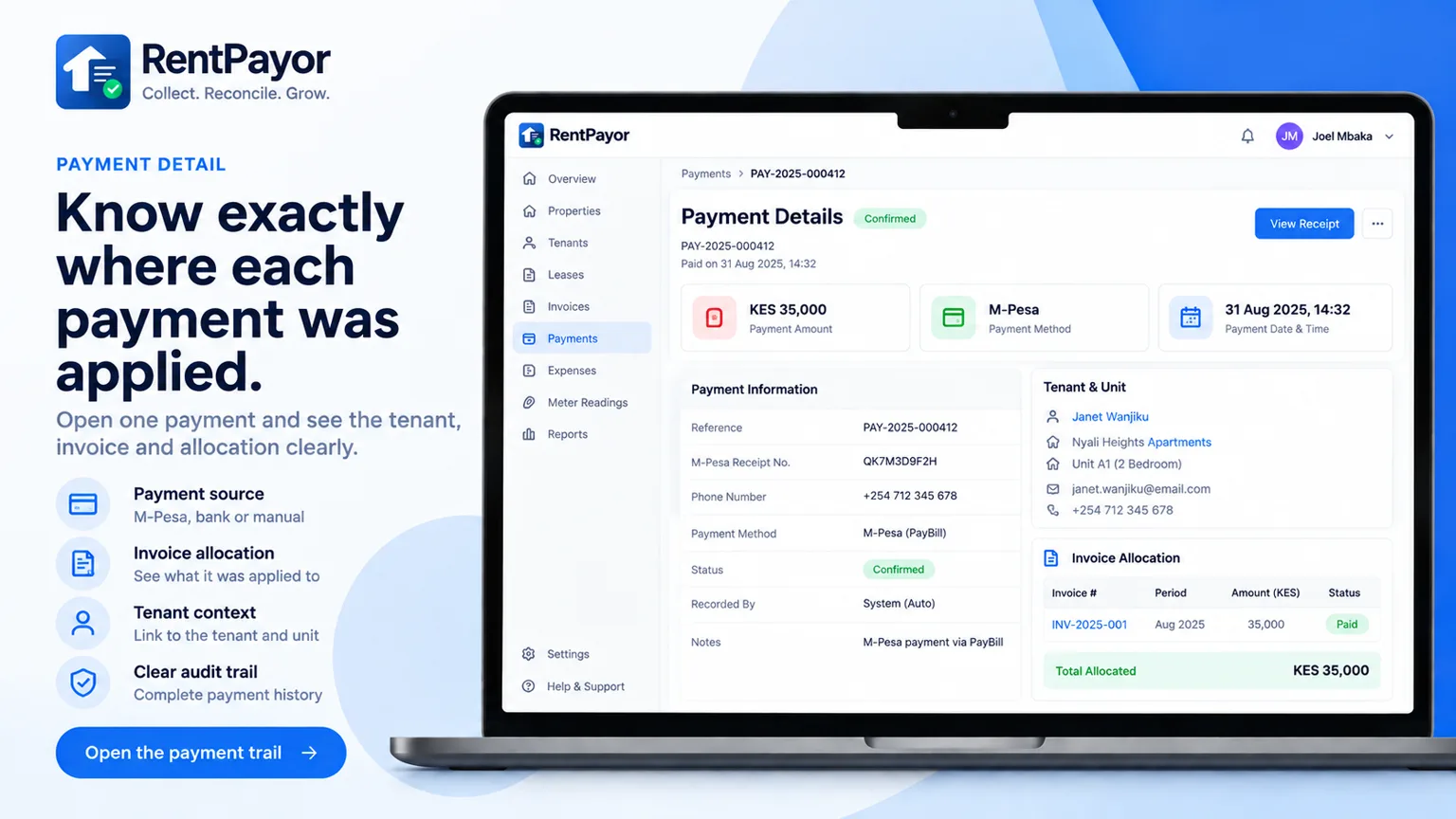
When a landlord receives rent through cash, bank, mobile money, or another existing method, RentPayor records that payment against the correct invoice. The payment entry updates the amount paid and outstanding balance.
The rent-record problem
Saving only a message or transaction reference can make it difficult to remember the tenant, unit, billing period, and remaining balance. RentPayor stores those details together with the invoice.
What RentPayor does
Record less than the outstanding amount while keeping the remaining invoice balance visible.
When the recorded amount exceeds the invoice balance, the extra amount is carried forward as tenant credit.
Each invoice keeps a timeline of recorded payments and credit applications.
Store transaction date, reference, payer name, and optional notes for later verification.
How it works
Select a due or overdue invoice for the tenant and rent period being settled.
Record the amount and transaction date, with an optional payer name, payment reference, and notes.
RentPayor applies the payment to the invoice, updates its status, and opens the generated receipt.
Frequently asked questions
No. Recording a payment creates a digital record of money the landlord has already received outside RentPayor.
Yes. The payment is applied to the invoice and the remaining outstanding amount stays visible.
The invoice is settled and the unapplied amount is carried forward as tenant credit for future billing.
Use the integrated M-Pesa flow for eligible KES invoices, or record payments received through another method manually. RentPayor keeps balances, history, credits, and receipts connected to the invoice.