
1
Record the payment
Submit the amount, transaction date, and optional payment reference, payer name, and notes.
Digital rent receipts
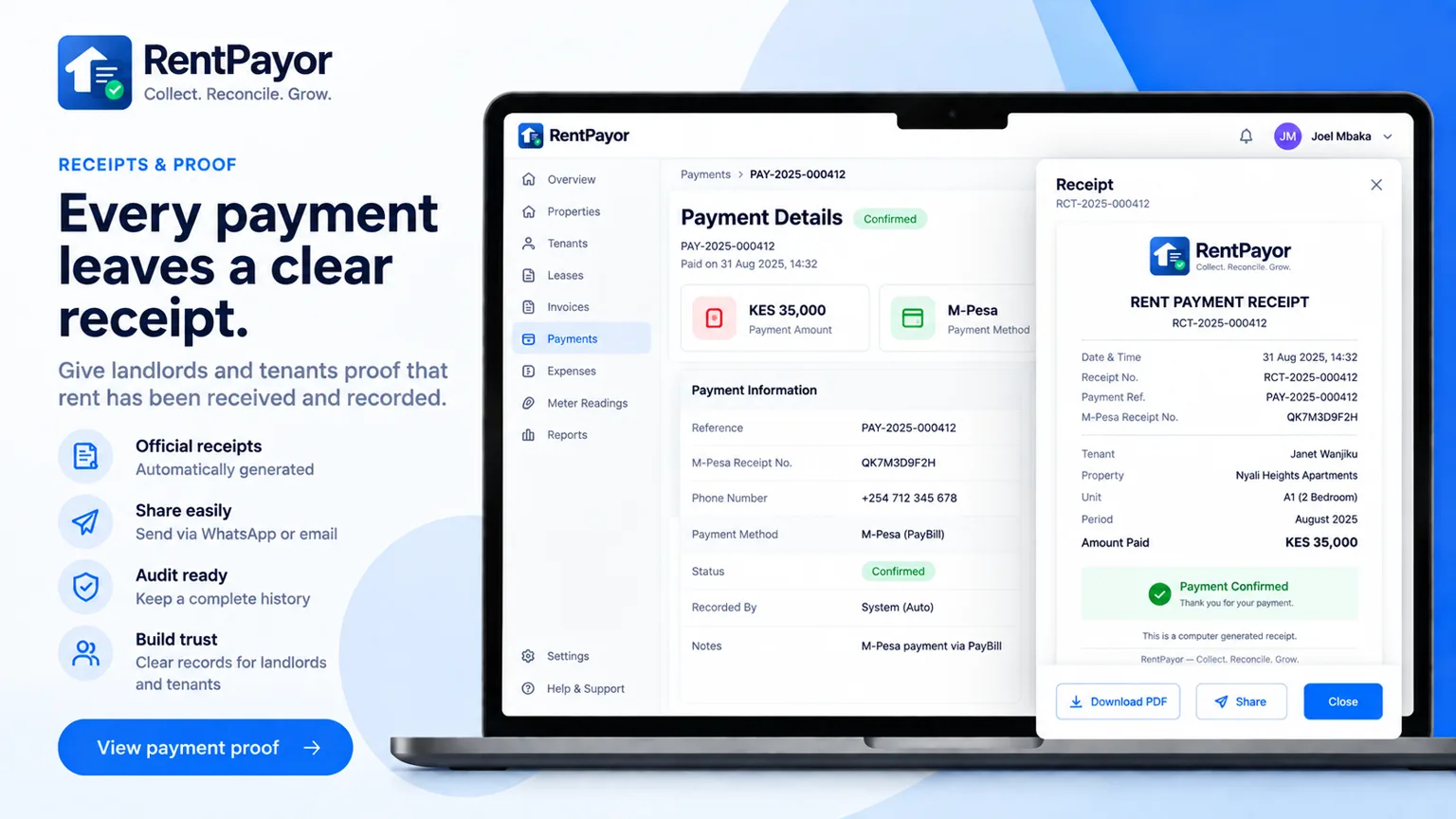
RentPayor keeps a receipt tied to the payment and invoice record so settlement evidence can be reopened later and exported through the device share sheet.
The rent-record problem
A receipt is more useful when it clearly identifies the amount received, payment date, invoice, tenant, property, unit, and any amount carried forward. RentPayor generates those details from the saved payment and rental record.
What RentPayor does
Each issued receipt has a persistent receipt reference.
The receipt identifies the invoice whose balance the payment settled.
The receipt shows the amount applied to the invoice and any overpayment carried forward.
Open the receipt again from the invoice settlement activity.
How it works
Submit the amount, transaction date, and optional payment reference, payer name, and notes.
The receipt shows its receipt number, invoice reference, amount received, dates, rental account, and payment allocation.
Use the device share sheet to send through WhatsApp or email, print, or save the receipt to files.
Frequently asked questions
Yes. The PDF export uses the device share sheet, where WhatsApp appears when it is installed and available.
Yes. The same share action can expose Print, Save to Files, email, and other apps supported by the device.
The receipt is tied to the payment stored against the rent invoice. Online M-Pesa collections can create confirmed payment records automatically, while payments received through other methods can be recorded manually.
Use the integrated M-Pesa flow for eligible KES invoices, or record payments received through another method manually. RentPayor keeps balances, history, credits, and receipts connected to the invoice.